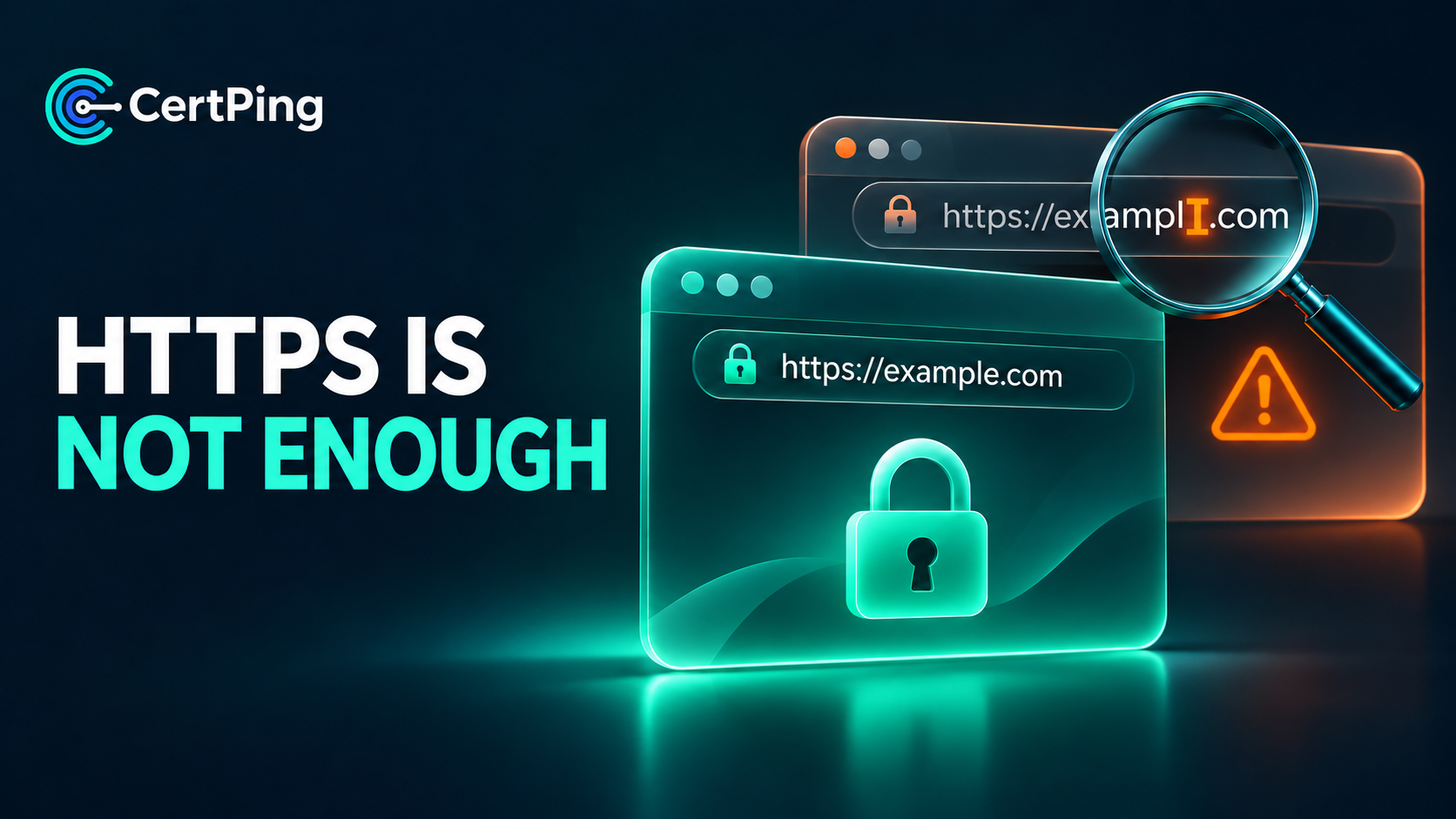
A customer receives an urgent payment reminder. The logo looks familiar, the message sounds professional, and the link opens over HTTPS. But the address contains an extra word or a swapped character. The customer may be looking at an impersonation attempt.
For a small business, reviewing suspicious domains should be part of protecting customer trust. Here is a practical workflow you can use.
What HTTPS actually tells you
HTTPS protects the connection between a browser and the site it reaches. It does not establish that the business behind that site is honest. An attacker can obtain a certificate for a domain they control and serve a convincing phishing page over an encrypted connection.
Always check the address itself before entering credentials or payment details. A working HTTPS connection is only one signal.
Recognize the patterns
Look-alike domains resemble a legitimate address closely enough to be misread. Common patterns include:
- Misspellings: a missing, repeated, or transposed letter.
- Character substitutions: a digit replacing a similar-looking letter.
- Added words: terms such as “billing,” “support,” or “pay” attached to a brand name.
- Different endings: the same name registered under another top-level domain.
Similarity alone does not prove malicious intent. A finding needs review before you accuse an owner or request action.
Give your team a response workflow
1. Capture the evidence
Record the full domain, the original message, when it arrived, and any screenshots already available. For suspicious email, preserve the headers. Avoid entering information or downloading files from the suspected site.
2. Verify through a trusted channel
If a message requests a payment or account change, contact the organization using a number or address you already trust. Do not rely on contact details supplied in the suspicious message.
3. Assign an owner
Choose who will investigate, communicate with affected customers, and submit abuse reports when appropriate. Document whether each finding is suspicious, legitimate, or unresolved.
4. Make customer guidance easy to find
Publish your official domain and support contact. Explain how customers can report suspicious messages. Give support staff a consistent response for unexpected payment requests.
How CertPing helps
CertPing Anti-Phishing checks newly registered domains daily for names resembling yours. Findings include an explanation and a risk level to help prioritize review.
Monitoring supports investigation; it does not prove that every similar domain is malicious or catch every phishing attempt. CertPing detects and alerts—it does not automatically block or take down domains. Your team decides what to do with a finding.
Start with your primary customer-facing domain, assign someone to review alerts, and keep a record of decisions. Visit certping.com to explore domain protection and monitoring.